



DTS_NL\Locomotieven - crash?
Moderator: Rubku_NL
-
jpvdveer
- Berichten: 402
- Lid geworden op: 06 apr 2020, 11:00
- 6
- Gegeven waarderingen: 201 keren
- Ontvangen waarderingen: 166 keren
DTS_NL\Locomotieven - crash?
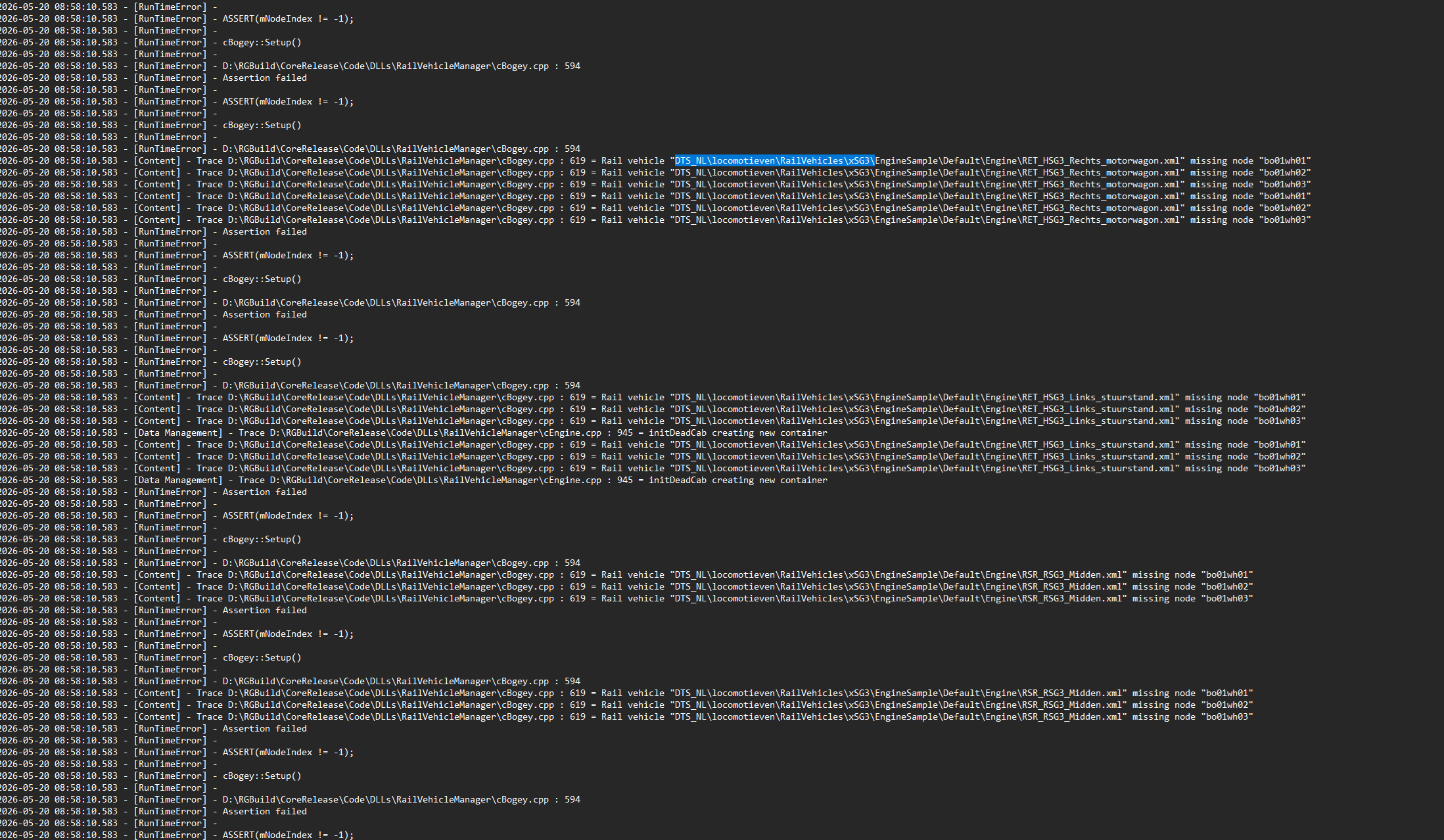
Goedemorgen allen. Vraagje - bij het spelen van [D]IC2273 Almere Centrum (2) krijg ik een OOM error. Bij inspectie van de log lijkt het probleem hem in DTS_NL\locomotieven\RailVehicles\xSG3\ te zitten (zie screenshot van de log). Zou iemand kunnen kijken of, op basis van de meest recente versie van het pakket van Rob Zeeland Dutch TrainSimulation Scenery Objects dit probleem ook optreedt? Op die manier kan ik kijken of het probleem aan mijn kant ligt. Herinstallatie van het pakket / cache legen heeft geen soelaas geboden. Alvast bedankt!
-
Rob_zeeland

- Berichten: 263
- Lid geworden op: 21 jun 2020, 07:54
- 6
- Gegeven waarderingen: 433 keren
- Ontvangen waarderingen: 1099 keren
Re: DTS_NL\Locomotieven - crash?
Dat is wel vervelend als je zo'n melding krijg.. maar ik kan je er niet mee helpen.. mocht het aan de metro van mij liggen dan ga ik zeker kijken of ik het kan oplossen, maar heb ze al vaker voor bij zien komen en nog geen meldingen over gezien. Rubku reed pas een scenario in een stream waar ook de metro in zat en die deed het prima.. weet even niet of het het zelfde scenario was.

-
Spikee1975

- Berichten: 56
- Lid geworden op: 02 nov 2024, 05:08
- 1
- Locatie: Germany
- Gegeven waarderingen: 22 keren
- Ontvangen waarderingen: 35 keren
Re: DTS_NL\Locomotieven - crash?
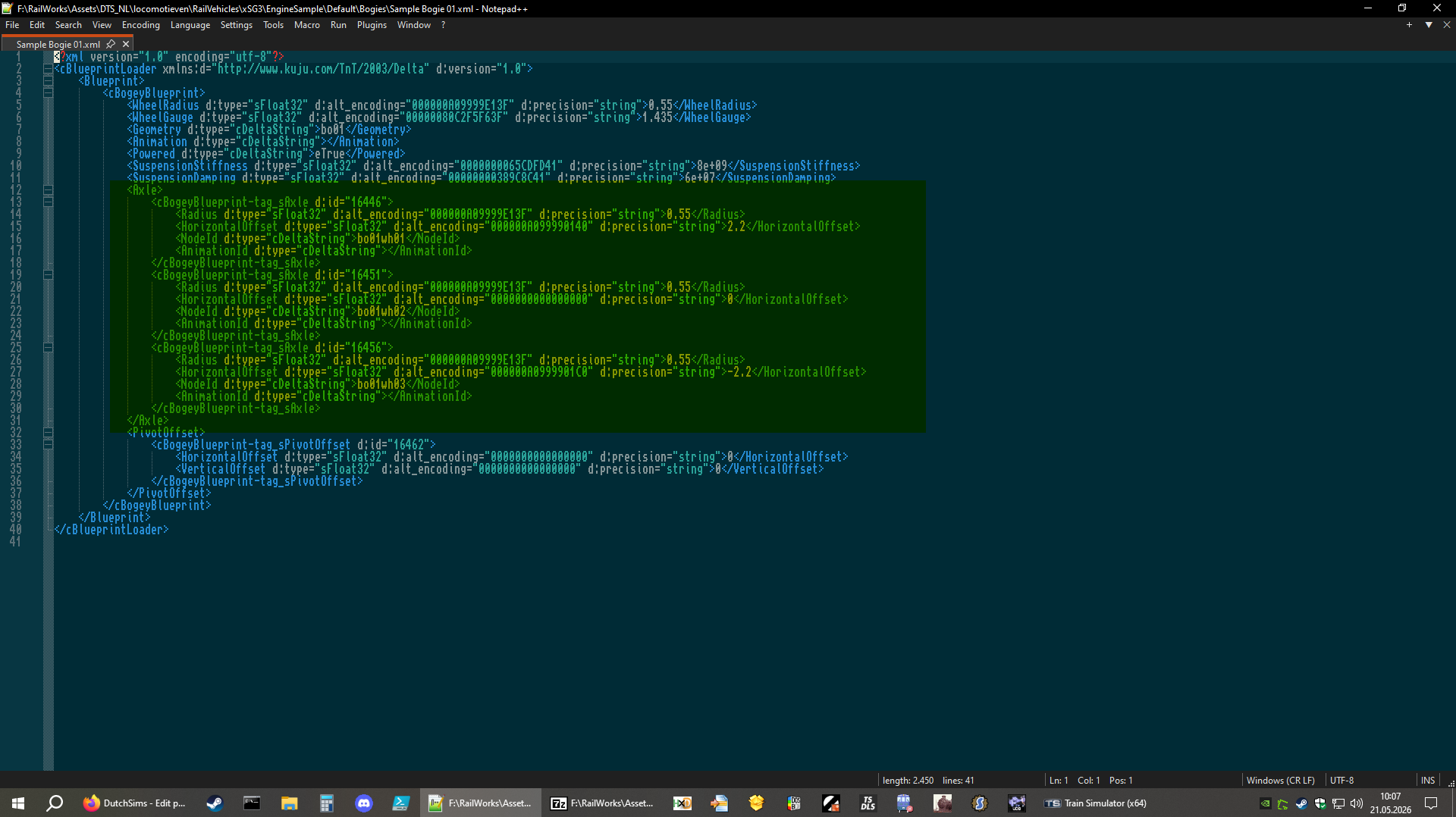
This simply means that the EngineBlueprint calls the BogeyBlueprint. The BogeyBlueprint in turn refers to these nodes but they are not present in the loco's GeoPcDx. This should not cause a crash though, as it happens on various stock. As there is no animation assigned to these nonexisting nodes, it doesn't matter.
I'm just running the scenario.
What will help you is, before you play the scenario, go to Build > Route > Randstad West 1.5 > Edit
Then press play and fly around, loading in some tiles. After that, start the scenario.
I do not have full proof yet - only evidence - but I'm working with a coder to get to the root of these crashes than can be prevented by this trick. As of now, everything points to mistakes caused by manually edited repaint blueprints. (duplicate d:id=### inside a blueprint causing the game to allocate less memory than it needs which adds up, and by preloading tiles we can trick TS into reserving more memory.)
To give you an idea, a check with the tool FastLeg coded for me, reveals this
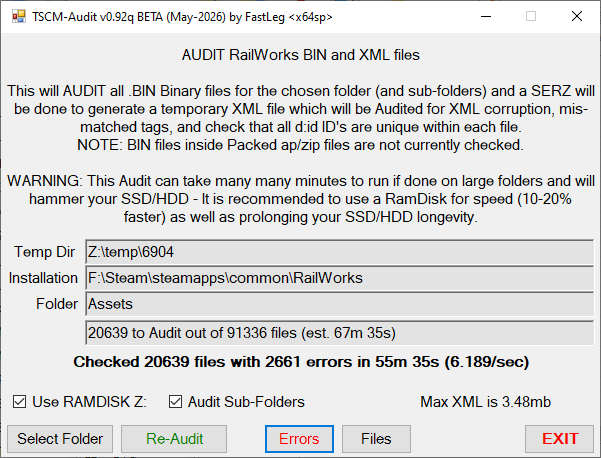
I have seen many many repaints that add child objects by copying an existing entry without changing the ID... here's where the mess starts. As I often stated, 99% of TS crashes are due to bad 3rd party assets. DTG did a very good job on the core update actually. So in this example you see the shocking result of a run on FastLegs installation which reveals 10% of data is not according to guidelines (as BlueprintEditor2.exe would produce). The tool will be able to fix these blueprints automatically, just be aware that everything outside your RSC/DTG folder is full of these mistakes. We can only urge creators to take this into account - do not copy and duplicate entries inside a blueprint without giving them a new INT32 id!)
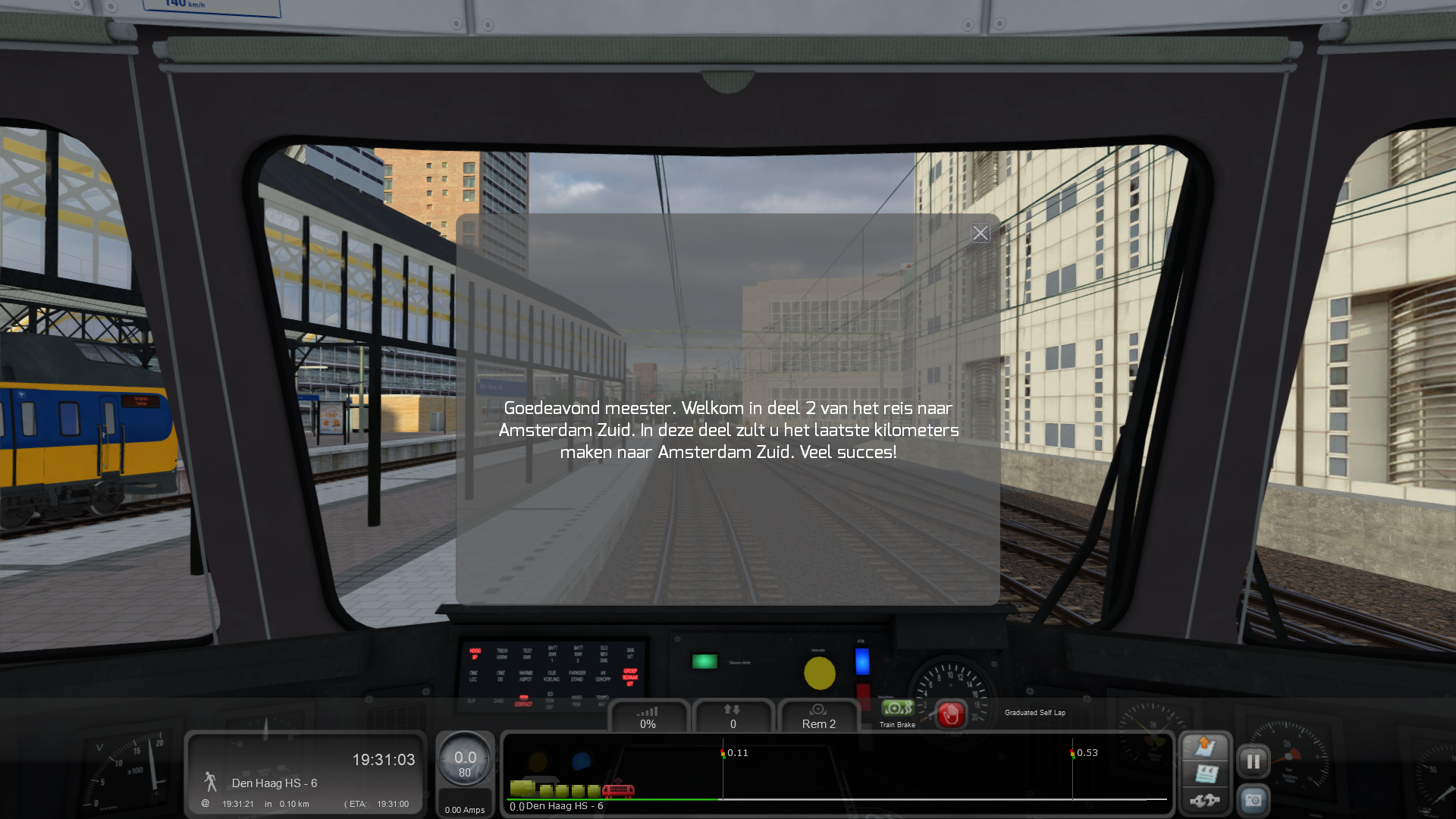
Scenario loaded (all requirements present)
I'm just running the scenario.
What will help you is, before you play the scenario, go to Build > Route > Randstad West 1.5 > Edit
Then press play and fly around, loading in some tiles. After that, start the scenario.
I do not have full proof yet - only evidence - but I'm working with a coder to get to the root of these crashes than can be prevented by this trick. As of now, everything points to mistakes caused by manually edited repaint blueprints. (duplicate d:id=### inside a blueprint causing the game to allocate less memory than it needs which adds up, and by preloading tiles we can trick TS into reserving more memory.)
To give you an idea, a check with the tool FastLeg coded for me, reveals this
I have seen many many repaints that add child objects by copying an existing entry without changing the ID... here's where the mess starts. As I often stated, 99% of TS crashes are due to bad 3rd party assets. DTG did a very good job on the core update actually. So in this example you see the shocking result of a run on FastLegs installation which reveals 10% of data is not according to guidelines (as BlueprintEditor2.exe would produce). The tool will be able to fix these blueprints automatically, just be aware that everything outside your RSC/DTG folder is full of these mistakes. We can only urge creators to take this into account - do not copy and duplicate entries inside a blueprint without giving them a new INT32 id!)
Scenario loaded (all requirements present)